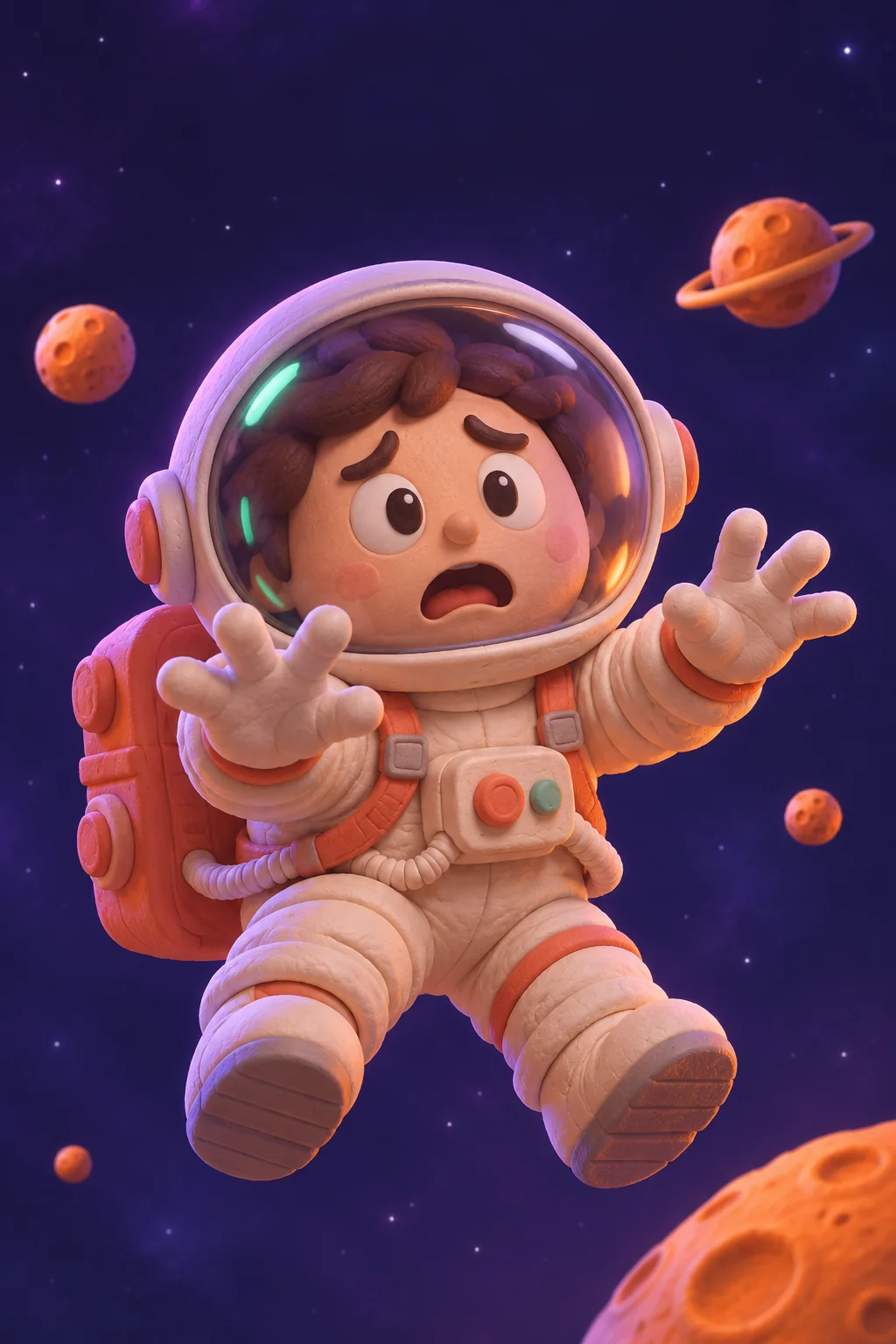
Out of office. Mentally.
A very professional reaction to a very unnecessary meeting.
 MemeMotionSTUDIO
Turn a photo or a weird little idea into your next meme. Add the perfect caption. Make it move. Send it to your people.
Free browser studio · AI rendering with access
Pick a starting point. Add your punchline.
Make the whole thing move.
No photo? Start with one of our original characters below.
This preview uses template motion. AI rendering creates a new scene.
AI access is separate. The browser studio is free to use.
Silent clip · no added watermark · format depends on your browser
Original starting points. Your very specific sense of humor.
No templates match that search. Try another mood or clear your filters.
Original AI-generated still artwork, paired with editable captions and browser animation. No copied celebrity clips or viral soundtracks.
A photo, an original template, or an idea too good to leave in your notes app. Pick your starting point.
Write the setup and punchline. Try a different crop, motion, or reveal. The preview updates as you go.
Export a short video. Add a sound in your favorite social app, or send the silent version straight to your friends.
One joke, three ways to frame it. Keep the important part in view and the punchline easy to read.
 9:16
 1:1
Build a readable visual joke: choose an image, write a setup and punchline, add motion, and export your meme video.
FIELD NOTES / 02Describe one action, a simple camera move, and the mood of the joke. Includes practical photo-to-video prompt examples.
FIELD NOTES / 03Choose a 9:16, 1:1, or 16:9 composition, protect your captions, and understand the difference between WebM and MP4.
What it does, what is free, and where your photos go.
It is a tool for turning a visual idea, photo, or short scene into a captioned video joke. MemeMotion includes a browser studio for animated photo memes and a separate AI workflow for generating new motion from a prompt or image when AI rendering is enabled.
You can use the browser studio with the included artwork or your own photo, edit captions, preview motion, and export a supported browser video without an AI account. Generative AI is a separate, access-controlled feature; this site does not promise unlimited free AI renders.
No. Browser previews apply motion such as zoom, pan, float, or shake to a still image and draw your captions over it. The sample artwork is AI-generated illustration. New AI video motion requires the separate AI rendering service.
Yes. Add a supported image, check the crop, choose your motion, and write your captions. For AI image-to-video, an enabled AI service and permission to use the uploaded image are required.
The text-to-video workflow accepts a scene description for AI rendering when the service is enabled. Without AI access, you can still use an original template, edit its captions, and make an animated video in the browser.
Supported browsers can export MP4 directly on your device. Other browsers use a compatible recording format, such as WebM, with optional MP4 conversion when the server export service is enabled. Completed AI renders can also be downloaded separately. The download controls show what is available.
Yes. The studio includes 9:16 portrait, 1:1 square, and 16:9 landscape layouts. Check the preview after changing the format so important details and captions stay inside the frame.
The browser studio makes silent visual memes and does not include licensed commercial songs. You can add an appropriate sound in your publishing app. Audio in an AI result depends on the selected provider and its settings; do not assume a specific soundtrack is included.
Browser-only editing happens on your device. If you choose AI rendering, the image and prompt are sent to the configured generation service. If you choose server MP4 conversion, the recorded clip is sent to the export server. Read the Privacy page for the differences before using those features.
You can download your clip and upload it yourself. Use images and audio you have permission to use, and follow the destination platform’s rules, including any applicable AI-labeling requirements. MemeMotion does not post to your social accounts automatically.
Turn that oddly specific thought into your next great meme.
Make a meme video